
How TurfUp Works for landscapers
Find local work. Choose what fits. Get paid.
Set your rates and service area. See the expected payout before accepting. No monthly fee—TurfUp keeps 15% only when you complete a job.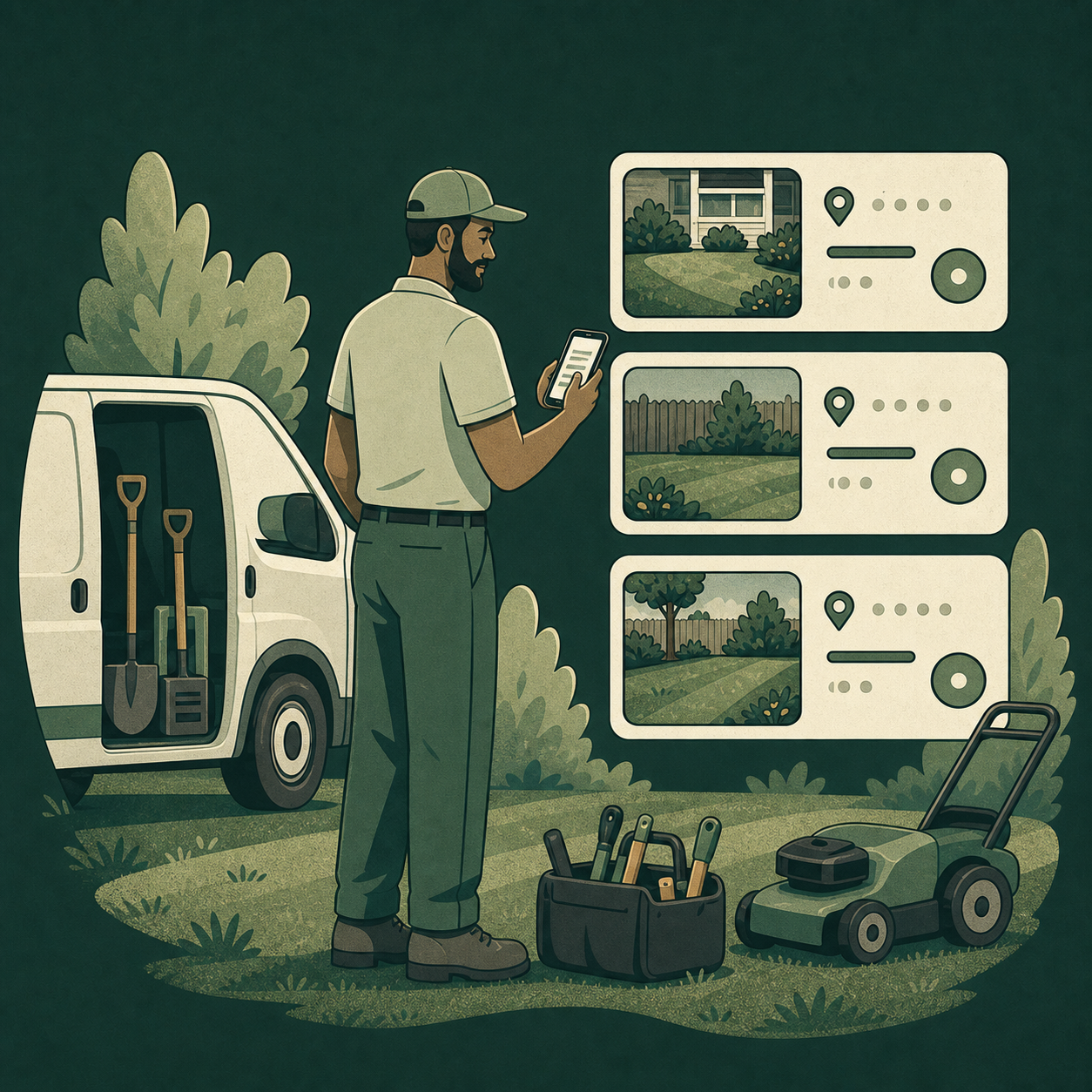
1. REVIEW LOCAL REQUESTS
When homeowners request a service in your area, review the job details, requested date, and expected payout. Choose the opportunities that fit your schedule.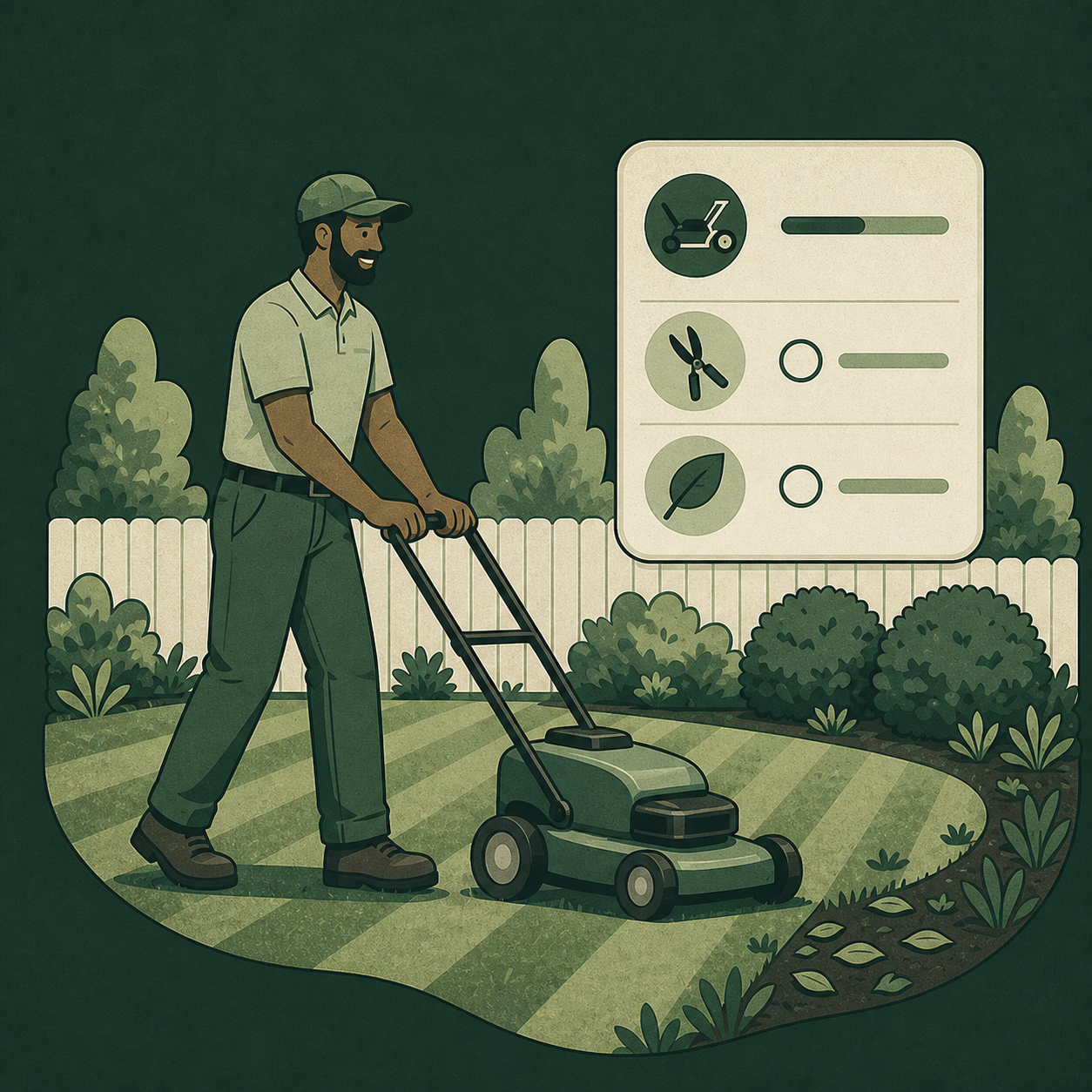
2. Complete the Work
Accept the jobs you want, provide the agreed-upon service, and update the job in TurfUp once the work is finished.
3. Get Paid and Track Your Work.
After the homeowner approves the completed service, TurfUp processes payment. View your receipt, track your earnings, and build your ratings over time.