
READY TO CLEAR SNOW?
OFFER SNOW REMOVAL ON YOUR TERMS.
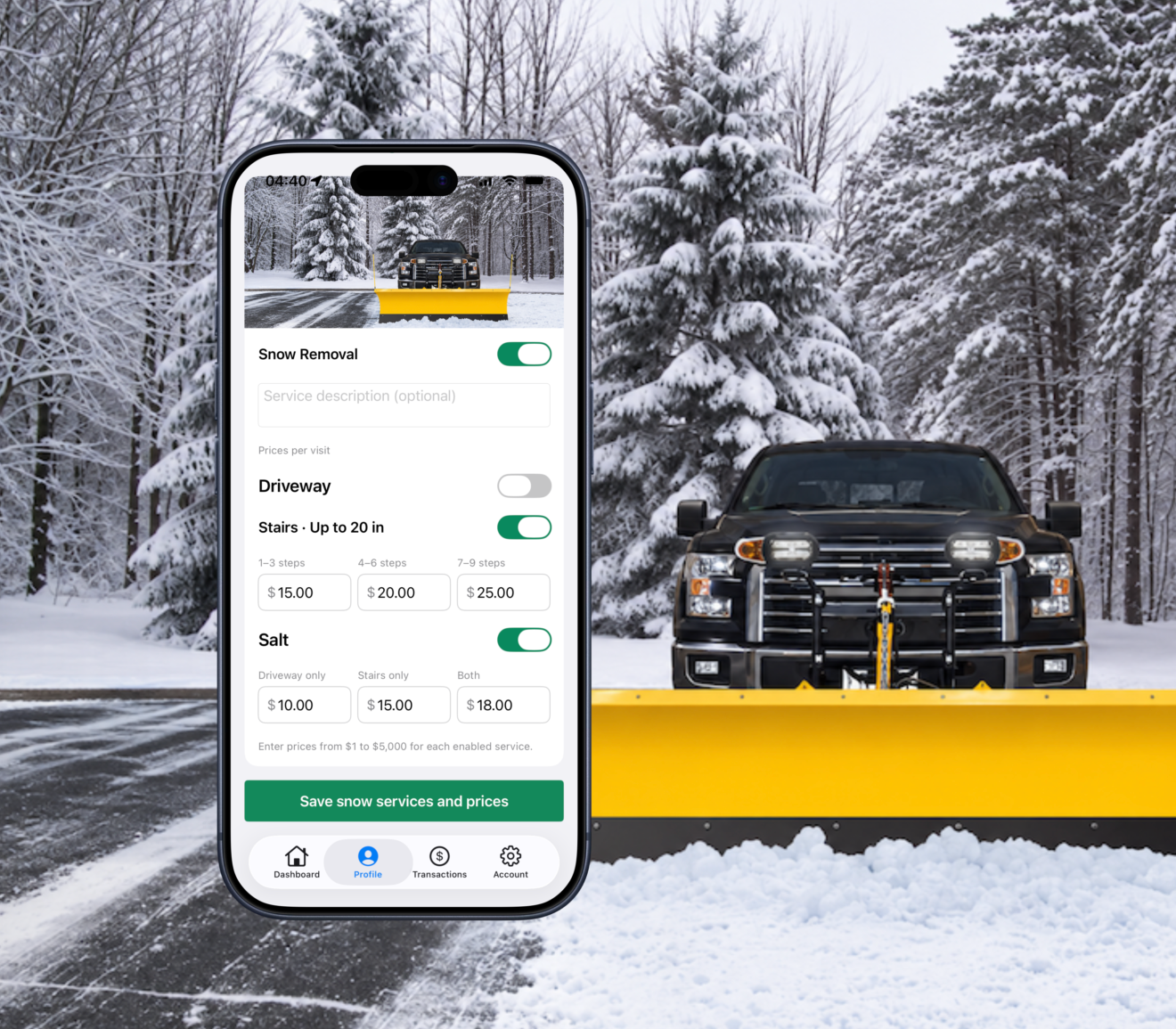
Set the snow services you offer and your prices. Choose your service area, review nearby homeowner requests as they come in, and accept jobs that fit your schedule.No monthly fee. TurfUp keeps 15% only when you complete a job.


Set your rates. Choose your jobs. Know your payout upfront.

1. CHOOSE WHERE YOU WORK
Set your service area and choose how far you’re willing to travel. Connect with homeowners within your radius while keeping your starting address private.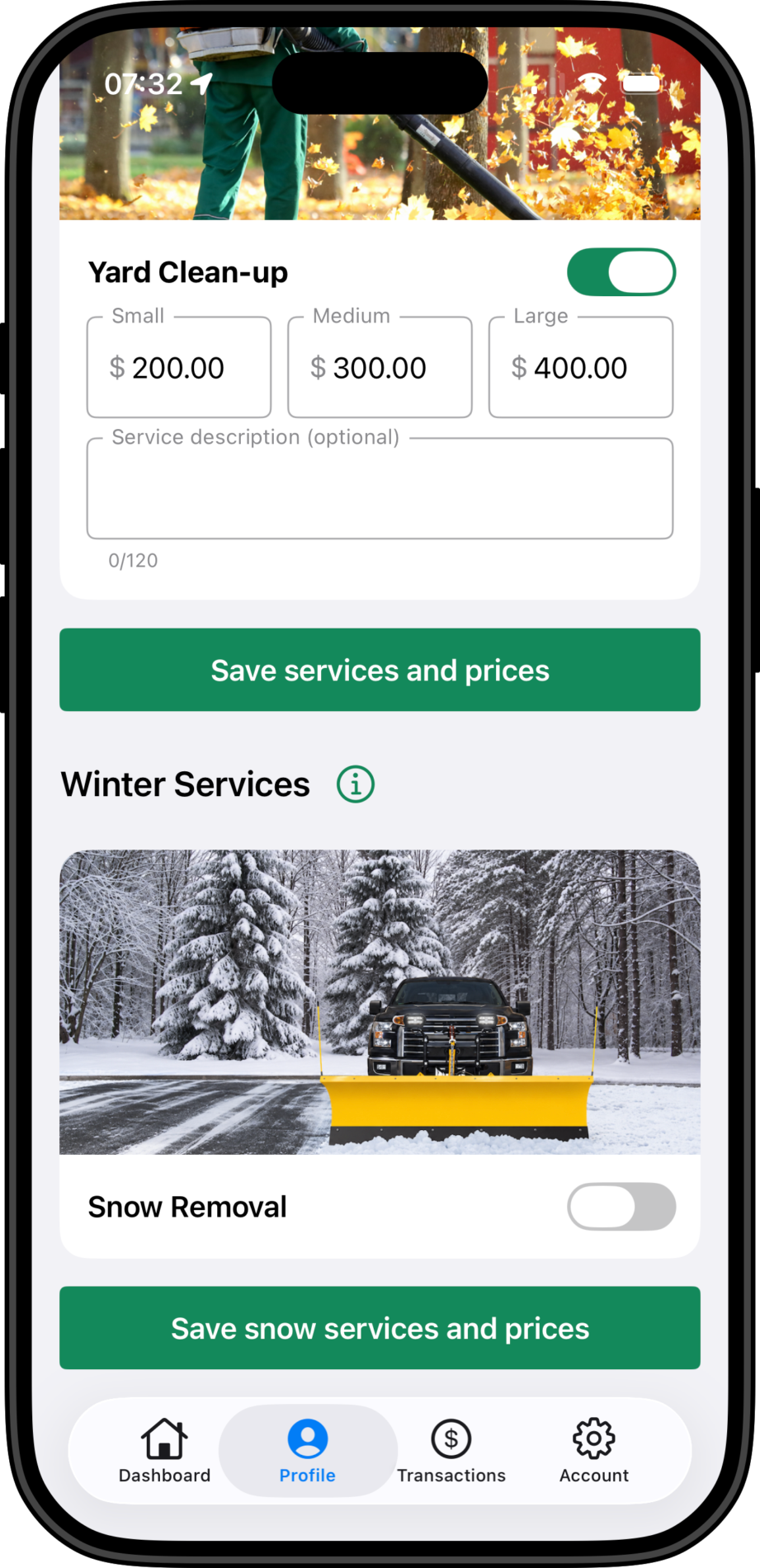
2. SET YOUR SERVICES & PRICES
Choose the services you offer and set your rates for different yard sizes. From mowing to aeration and fertilizing, you control what you provide and what you charge.
3. FIND NEARBY WORK
Go online to receive requests from nearby homeowners. See your payout after TurfUp’s fee before accepting, and choose the jobs that fit your schedule.
4. TRACK YOUR EARNINGS
See a clear breakdown of your services, TurfUp’s 15% fee, and total earnings. Check your payout status and save or share receipts—all in the app.